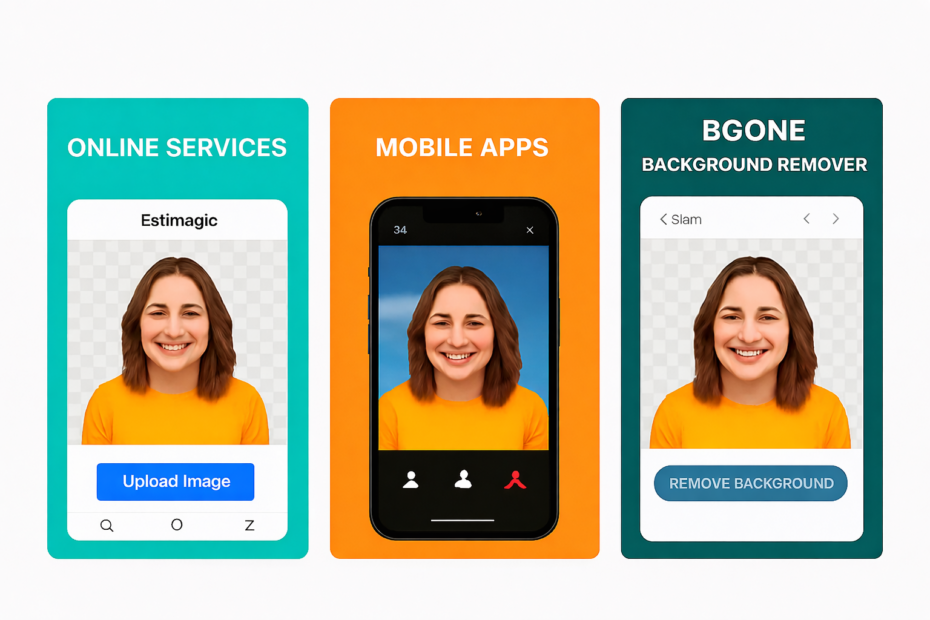
Removing backgrounds from images has become an essential task for designers, e‑commerce sellers, marketers, and everyday users. Whether you’re preparing product photos for Shopify, editing social media content, or cleaning up personal images, background removal tools save time and deliver professional results.
But with so many options available—ranging from online services to mobile apps—how do you choose the right one? In this comparison, we’ll explore the most popular background removal solutions and explain why BGone Background Remover is the smarter long‑term choice.
🌐 Online Background Removal Services
Many users turn to web‑based platforms like Remove.bg, Canva, or Fotor for quick edits.
- Pros:
- Easy to access from any device
- No installation required
- Often integrated with design platforms
- Cons:
- Require a stable internet connection
- Subscription fees or pay‑per‑use credits
- Privacy concerns with uploading sensitive images
These services are convenient but can become costly over time, especially for frequent users.
📱 Mobile Background Removal Apps
Apps such as Adobe Express, PicsArt, and Snapseed offer background removal features directly on your phone.
- Pros:
- Portable and handy for social media creators
- Often bundled with editing tools
- Free versions available
- Cons:
- Limited precision compared to desktop software
- In‑app purchases and ads
- Dependent on device performance and connectivity
Mobile apps are great for casual use but may not meet professional standards for batch editing or high‑resolution work.
💻 Desktop Background Removal Software
Desktop tools like Photoshop or GIMP provide advanced editing capabilities.
- Pros:
- Professional‑grade precision
- Offline functionality
- Integration with broader editing workflows
- Cons:
- Steep learning curve
- Expensive subscription models (Adobe Creative Cloud)
- Overkill for users who only need background removal
This is where BGone Background Remover changes the game.
⭐ Why Choose BGone Background Remover?
BGone Background Remover is a simple, AI‑driven desktop application designed for users who want fast, reliable, and cost‑effective background removal without the hassle of subscriptions or internet dependency.
Key Advantages:
- One‑time purchase, lifetime license – No recurring fees, no hidden costs.
- Offline functionality – Works entirely on your PC, ensuring privacy and independence from internet connectivity.
- AI‑powered precision – Automatically detects and removes backgrounds with professional accuracy.
- Lightweight and user‑friendly – No steep learning curve; install and start editing immediately.
- No further investment required – Unlike competitors, BGone doesn’t lock features behind paywalls or upgrades.
BGone is perfect for e‑commerce sellers, photographers, designers, and anyone who values ownership over endless subscriptions.
🔍 Comparison Table
| ✨ Feature | 🌐 Online Services (Remove.bg, Canva) | 📱 Mobile Apps (PicsArt, Snapseed) | 💻 Desktop Giants (Photoshop) | 🖥️ BGone Background Remover |
|---|---|---|---|---|
| 💰 Pricing | Subscription / credits | Free + in‑app purchases | Expensive subscription | One‑time purchase, lifetime license |
| 🌍 Internet Required | Yes | Often | No | No |
| ⚡ Ease of Use | High | High | Moderate (complex tools) | Very High |
| 🔒 Privacy | Images uploaded to servers | Images stored on device/cloud | Local editing | Fully offline, private |
| 🎯 Target Audience | Casual / frequent online users | Social media creators | Professional editors | Everyone needing simple, reliable background removal |
📌 Final Thoughts
Background removal is no longer a niche task—it’s a daily need for businesses and individuals alike. While online services and mobile apps offer convenience, they come with recurring costs, internet dependency, and privacy trade‑offs.
BGone Background Remover delivers a future‑proof solution: a one‑time purchase, lifetime license, and offline AI precision. If you’re tired of subscriptions and want a tool that simply works, BGone is the clear winner.
👉 Try it today at furqanjenkins.com/bgone and take control of your image editing workflow.